

Welcome
What is Storyarn?
An overview of Storyarn and what it can do for your narrative projects.
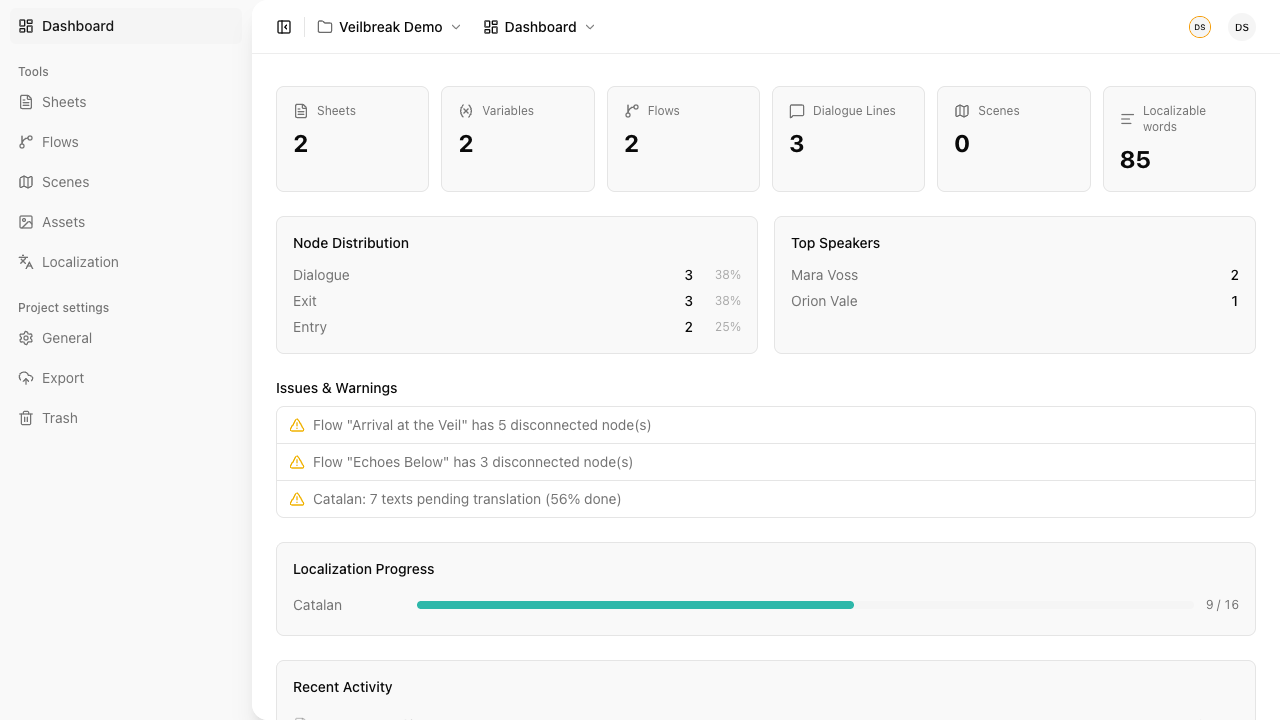
Storyarn is a narrative design platform for game designers and interactive storytellers. It brings all your narrative work into one place — characters, dialogue, world maps, branching logic, and translations.
Whether you’re building an RPG, a visual novel, or an adventure game, Storyarn gives you the tools to design your story visually and collaboratively.
Why Storyarn?
There are tools out there that do some of what Storyarn does. Spreadsheets for character data. Flowchart apps for dialogue trees. Custom scripts for localization. Maybe you’ve used one of the few dedicated narrative design tools — and found yourself fighting an interface that feels like it was designed in 2008, or hitting a wall of complexity before you could even start building.
You deserve better. If you’ve ever felt that your narrative tools are holding you back — too clunky, too fragmented, too painful to learn — Storyarn was built for you.
One platform. Everything connected. Define a character’s stats in a Sheet, reference them in a Flow to create branching dialogue, place that location on a Scene map, and translate the player-facing Flow and Sheet text with the Localization tools. Change a value once, and every flow that checks it reflects the update immediately.
Core tools
Sheets
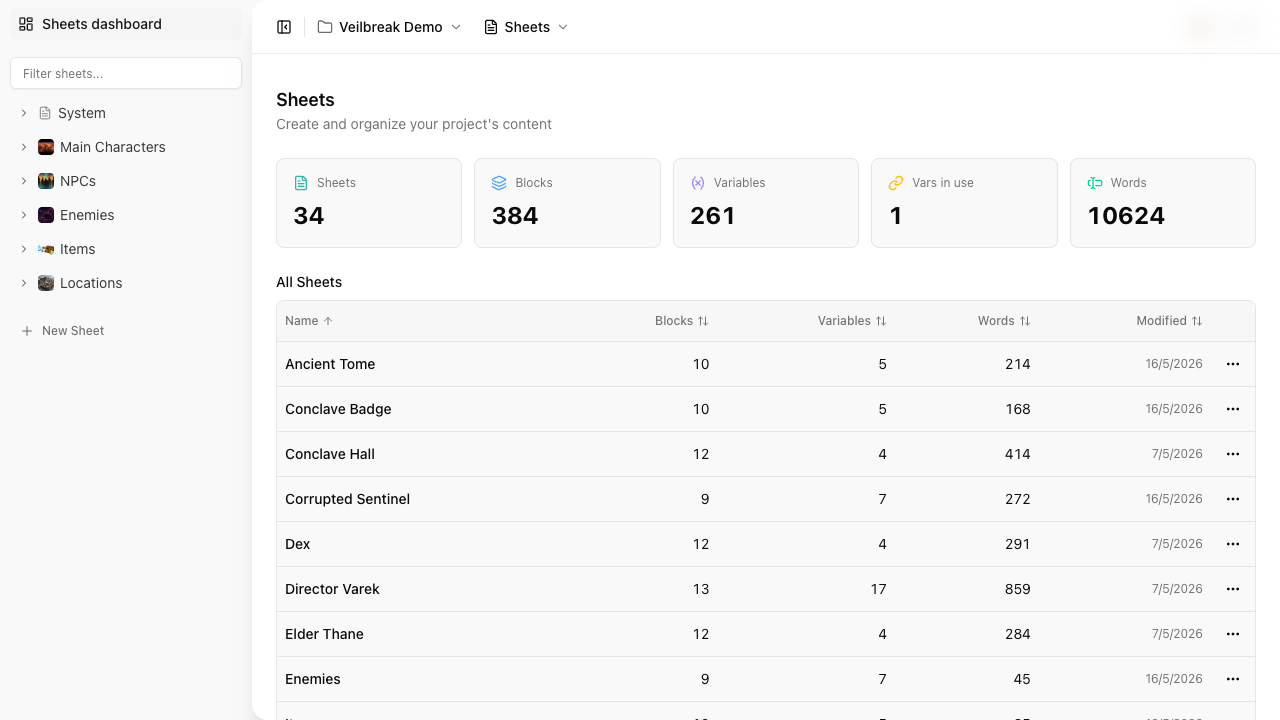
Structured data containers for your entire world — character profiles, item catalogs, location details, quest trackers. Most value-carrying fields can become variables that flows and conditions read or modify; reference and gallery blocks stay outside the variable system. Organize with folders, inherit properties across sheets, and track changes with built-in versioning.
Flows
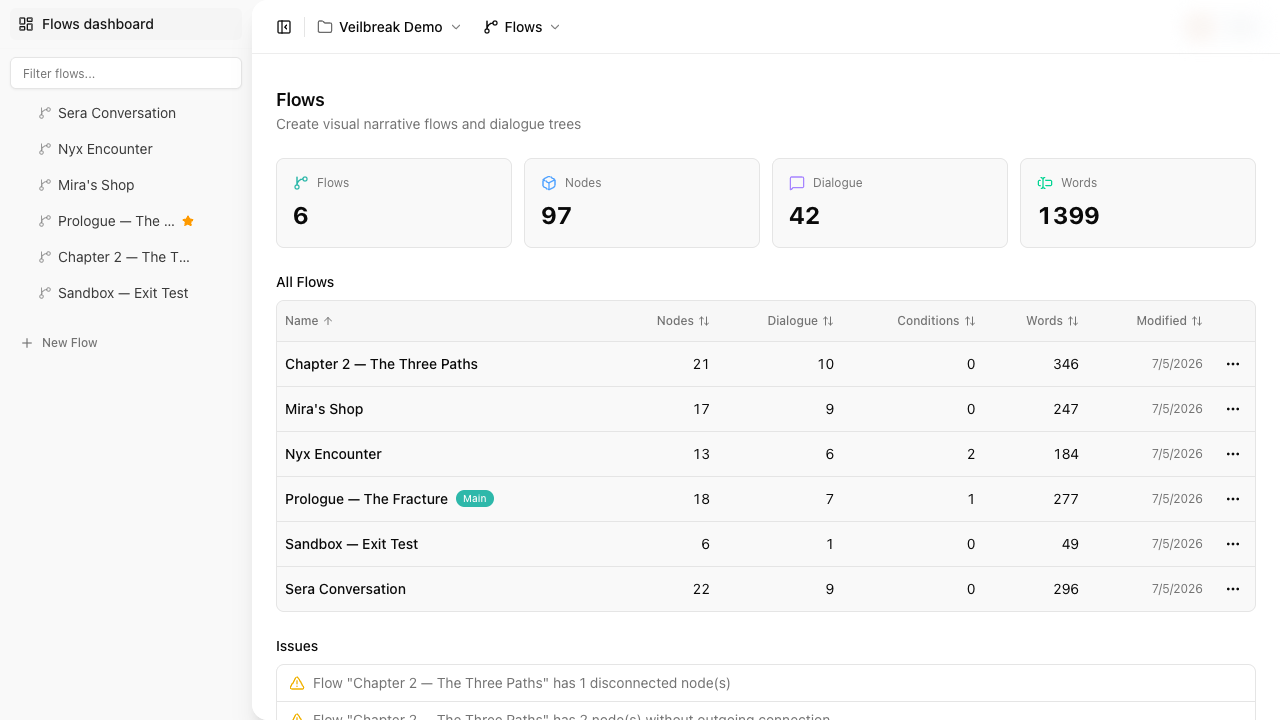
Visual node graphs for branching dialogue and narrative logic. Nine node types — from dialogue and conditions to subflows, hubs, and jumps. Test your work instantly with playback in the Sequence editor (the flow as the player sees it, from the dialogue you choose) and Debug Mode (step-by-step execution with live variable inspection). No export needed — verify your logic right where you write it.
Scenes
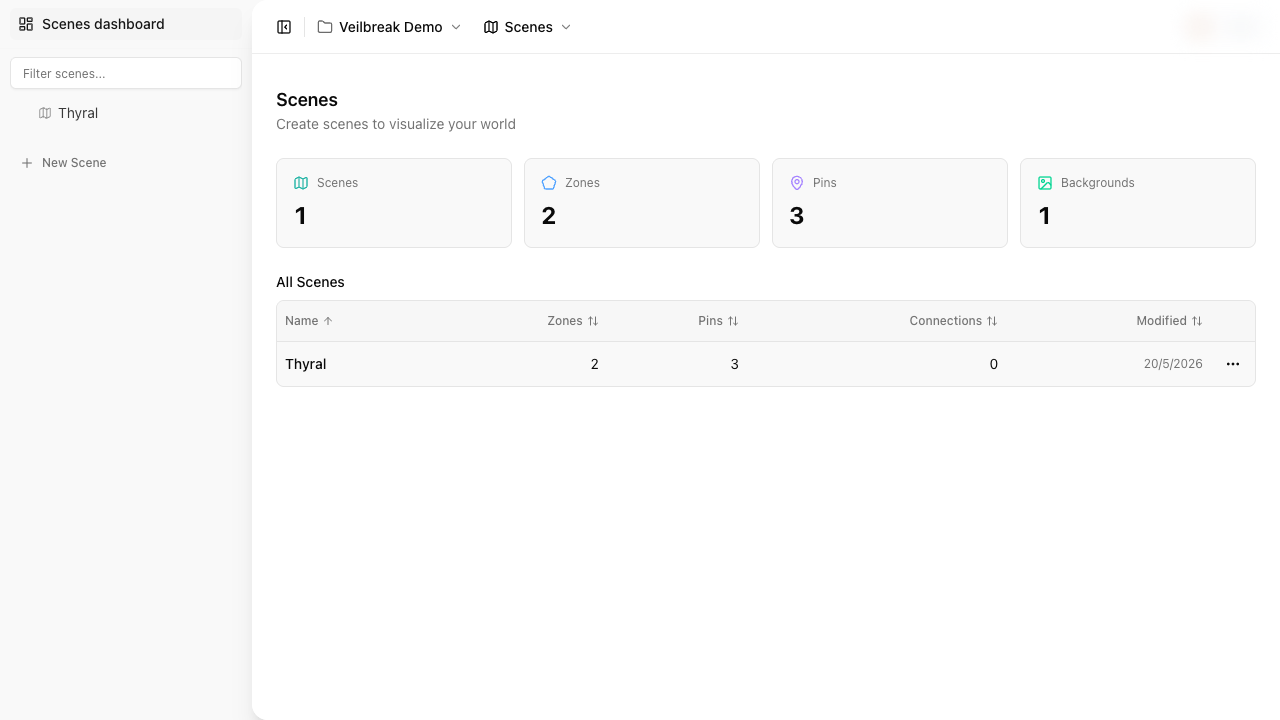
Interactive maps for your world. Draw zones, place character pins, and connect locations visually. Zones execute variable assignments, evaluate conditions, and drill down into nested child scenes. The Exploration Mode is where it all comes together — an immersive player experience where you walk through your world, trigger flows as overlays on the map, see your art, characters, and translated dialogue all working in one place. No other narrative design tool does this.
Brainstorming
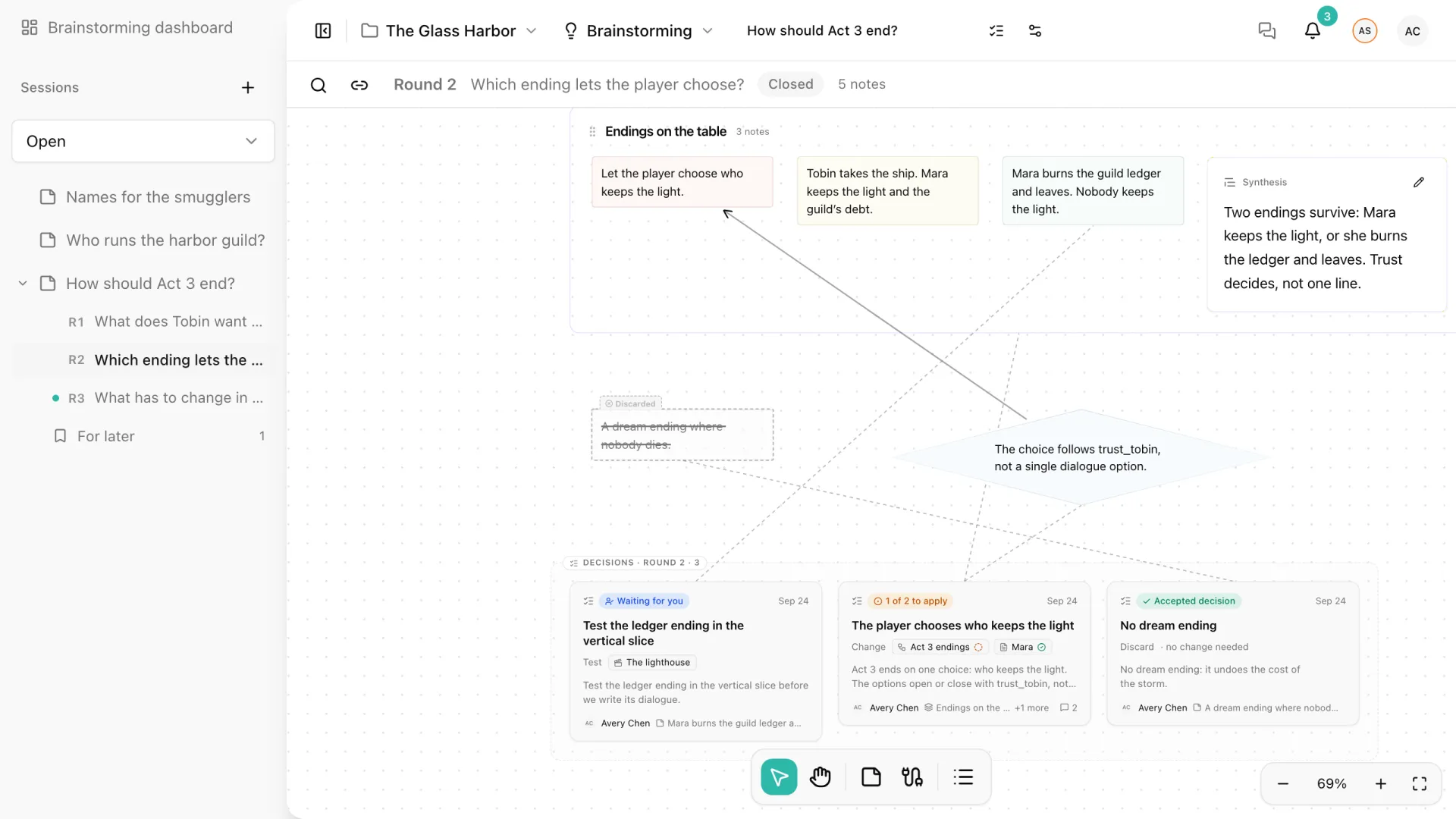
A shared canvas where your team explores ideas before they become content. Notes are organized in rounds with their own question, people can write privately before a reveal, and related ideas are grouped with a written synthesis. When the team agrees, a decision names the Sheets, Flows, and Scenes it changes, and appears in their editors until someone marks it applied.
Localization
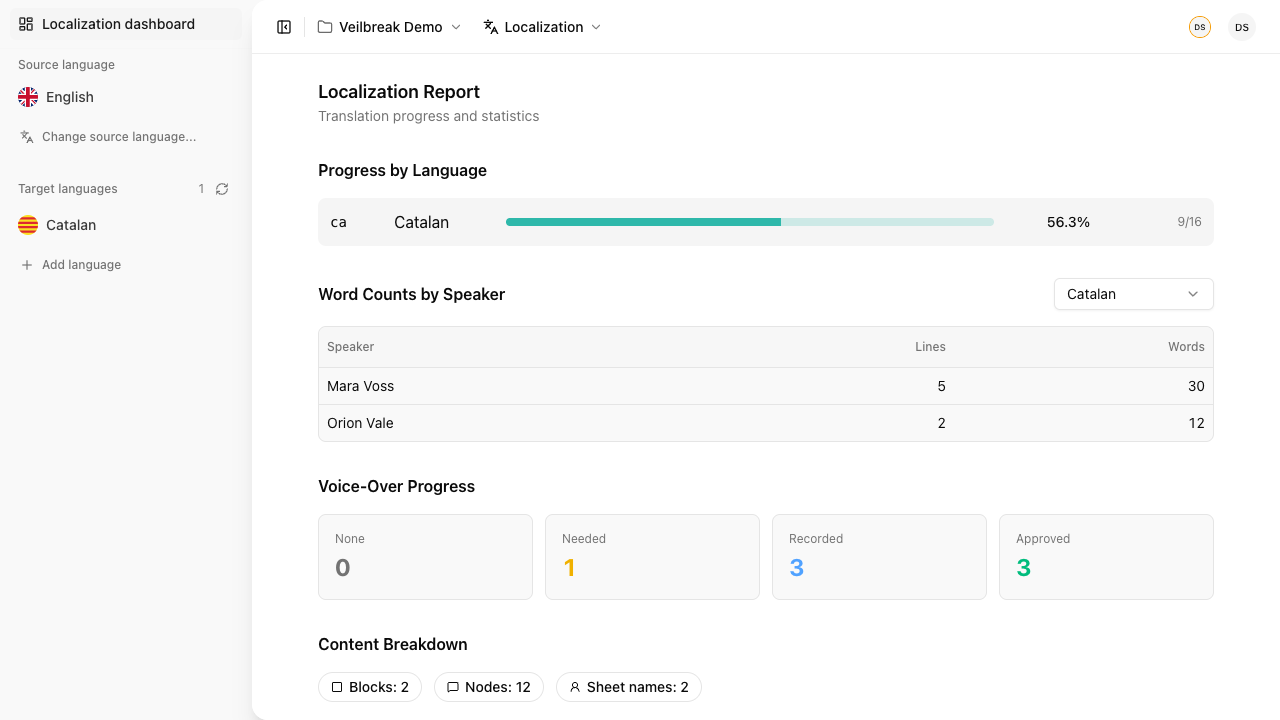
Extract every line of dialogue automatically. Translate with DeepL integration, review each localized string through a defined status workflow, and track progress per language with detailed reports.
Who is it for?
Storyarn works for anyone involved in interactive storytelling — narrative designers, game writers, world builders, localization teams, and small studios that want one tool instead of five.