

Narrative Design
Annotation Nodes
Add visual notes to a flow without changing execution.
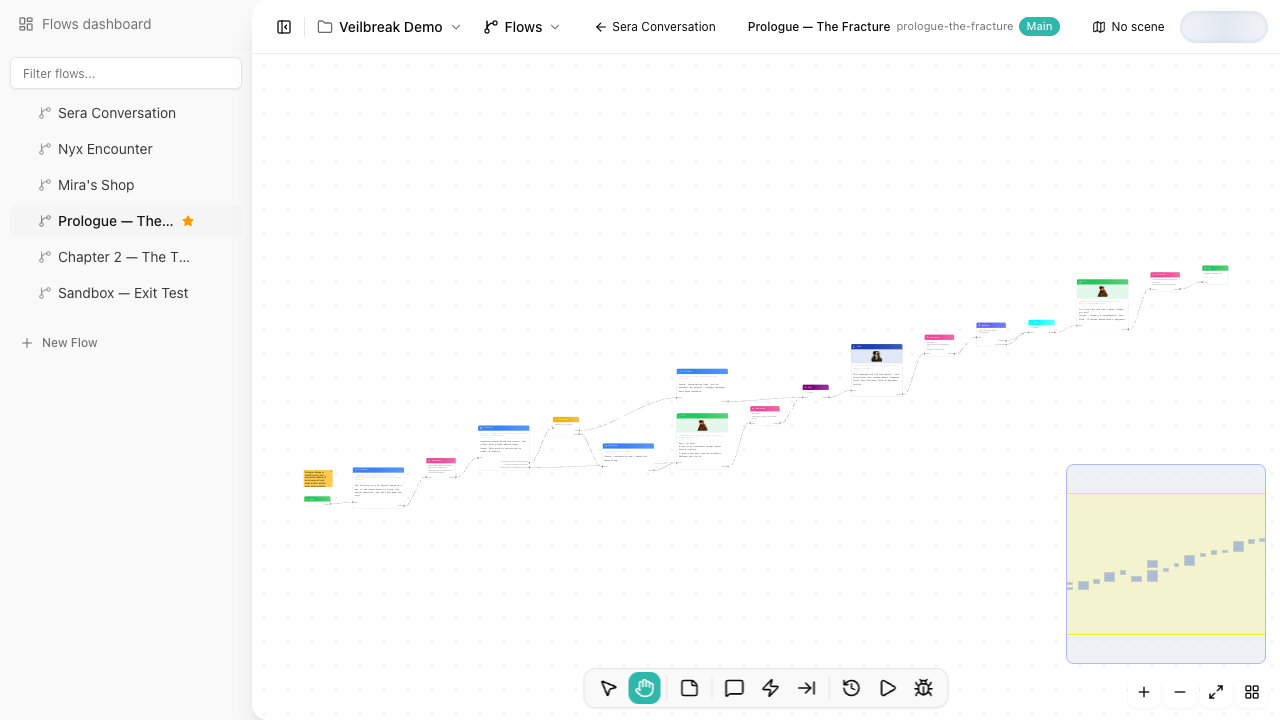
Annotation nodes are canvas notes. They help teams explain intent, mark open questions, leave TODOs, or group context around nearby flow nodes.
Execution behavior
Annotations do not execute. They do not affect dialogue playback, debugging, variables, localization extraction, or exports.
Good uses
- Mark design intent: “This branch is for low-trust players.”
- Leave implementation notes for teammates.
- Identify sections that need writing, localization review, or QA.
- Explain why a condition exists.
- Add temporary TODOs while shaping a large graph.
Keep annotations useful
Use annotations to clarify the graph, not to duplicate everything already visible in the nodes. If an annotation becomes permanent documentation for a reusable system, consider moving that explanation into project docs or naming the surrounding nodes more clearly.