

Scene Design
Actions, Conditions, and Exploration
Make scene elements interactive with conditions, actions, displays, collections, flows on top of scenes, and exploration mode.
Scenes can be more than static maps. Zones handle area actions: running instructions, displaying values, navigating to scenes, or launching flows. Pins represent specific points and can launch a flow, move as playable characters or patrols, and evaluate visibility rules during exploration.
Interaction types
| Type | Behavior |
|---|---|
| Action | Runs instructions, navigates to a scene or flow, or combines both. |
| Walkable Area | Marks where the player can move in exploration mode. |
| Display | Shows a variable on the map, either as value only or name + value. |
| Collection | Opens a collection window with collectible items, each with optional conditions and instructions. |
| Pin with flow | Launches the pin’s flow on top of the scene. |
| Playable or patrol pin | Lets users control a character inside walkable areas or move a non-playable pin along connections. |
Action zones are the primary type for interactive behavior. Use them when part of the map should open a scene, launch a flow, or change variables.
Conditions
Attach a condition to a zone or pin when its availability depends on game state. Scene conditions use the shared Condition Editor.
When the condition is false, the element can:
- Hide – it disappears from the exploration view.
- Disable – it remains visible, but is locked.
Use this for locked doors, hidden NPCs, quest-gated areas, revealable routes, or conditional events.
Exploration mode
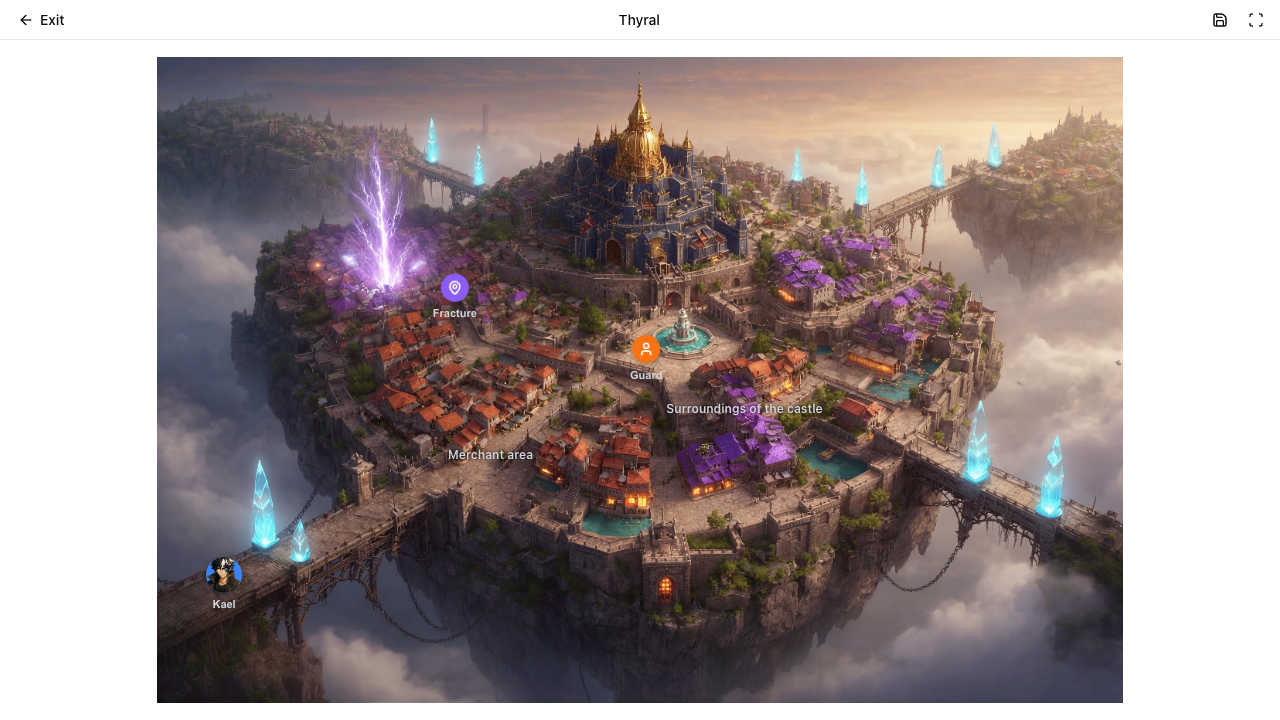
Exploration mode is a fullscreen player-like simulation of the scene. It evaluates actions and conditions in real time.
During exploration, users can:
- Click interactive zones and pins with a flow.
- Trigger flows without leaving the scene.
- Navigate to child scenes from Action zones.
- Run instructions from Action or Collection zones.
- Display variable values with Display zones.
- Open item collections.
- Move playable characters inside walkable areas.
- See elements hide or disable based on conditions.
Flows on top of scenes
When a scene element opens a flow, the scene dims and the flow appears on top. The player completes the dialogue or branch, then returns to the map with any variable changes applied.
This is the main bridge between spatial design and narrative logic: a place on the map can start a conversation, modify state, and reveal or disable other map elements.
One run, from start to finish
Pressing Play in the scene editor starts a run. The run keeps its state until you leave exploration: variables, collected items, and the one-shot ambient flows that have already played.
- Moving to another scene, through a zone or through a flow’s exit, keeps the run. You arrive where the editor placed the party.
- If the connection drops or the page reloads, the run goes on where it was, with the party in place. A dialogue that was open closes, and the run continues from the state it had before that dialogue started.
- Save progress keeps a copy of the run you can continue another day. When you press Play and a save exists, exploration asks whether to continue it or start a new game.
- A scene that no longer exists shows an error, and you stay where you are. The flow’s health marks an Exit that leads to one.
Testing interactions
Use exploration mode to review scene logic before sharing the map. Check that conditions evaluate as expected, instructions update the right variables, walkable zones limit movement, patrols follow their route, and flows return to the correct scene state.