

Narrative Design
Entry & Exit Nodes
Where a flow starts, how it ends, and how outcomes connect larger narrative structures.
Entry and Exit nodes define the boundaries of a flow. They are simple on the canvas, but they matter because they decide how a flow starts, when it finishes, and how other flows can call into or return from it.
Entry nodes
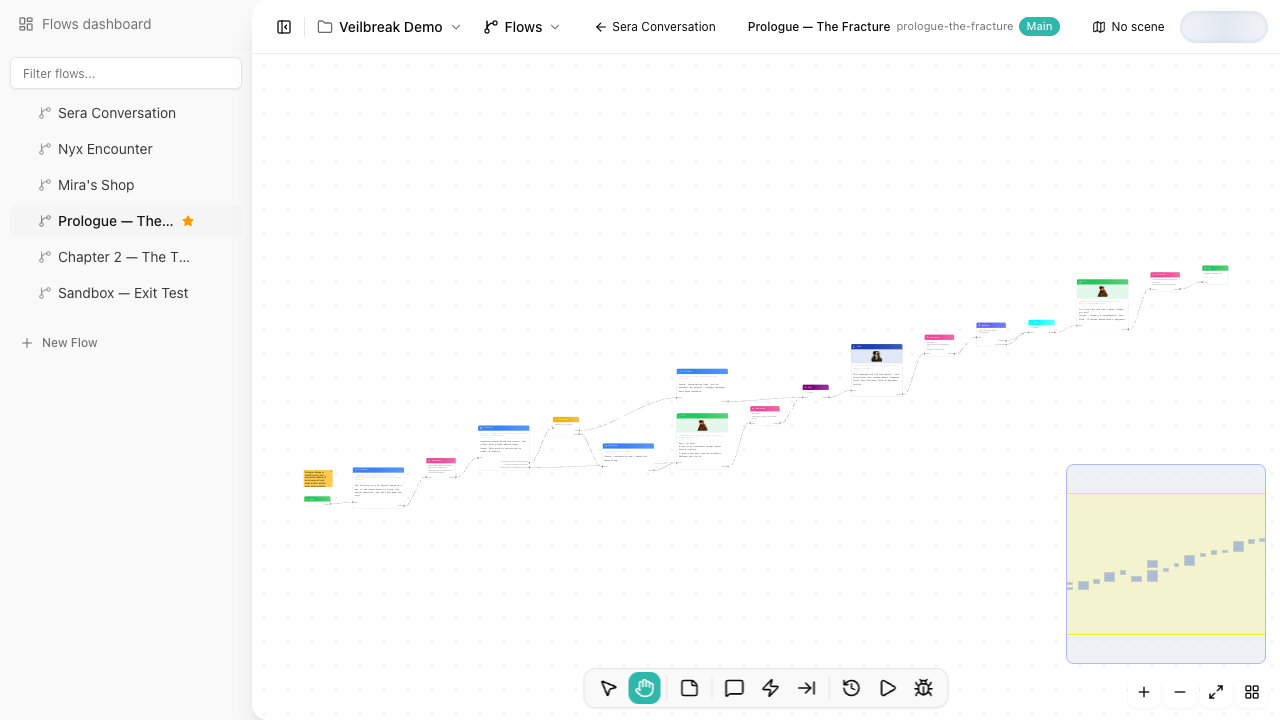
Every flow has one Entry node. It is created with the flow and cannot be deleted. Execution begins here when you debug the flow or enter it from a Subflow node. Playback in the Sequence editor starts from the dialogue you select instead.
Entry nodes are mostly structural. Use them as the first connection point in the flow, then branch into the first dialogue, condition, or setup instruction.
Exit nodes
Exit nodes mark where a path finishes. A flow can have one exit or many exits, depending on how much outcome information you need to expose to callers.
Common examples:
| Use case | Exit setup |
|---|---|
| A simple conversation ends | One terminal Exit node |
| A quest branch succeeds or fails | Separate exits like accepted, declined, completed |
| A reusable subflow returns to a parent flow | Exit nodes configured to return to caller |
| A flow hands off to another flow | Exit node configured to continue to another flow |
Exit modes
Exit nodes support three modes:
| Mode | Behavior |
|---|---|
| Terminal | Ends the current run. Use it when the flow is complete. |
| Continue to flow | Jumps into another flow after this path ends. Use it for explicit flow chaining. |
| Return to caller | Returns to the parent flow that entered through a Subflow node. Use it for reusable nested flows. |
Where an exit leads
Select an Exit node and its toolbar asks for what its mode needs:
- Terminal can lead somewhere when the flow ends: pick a scene or another flow under Destination. In exploration, the player travels to that scene, or that flow opens next. The debugger stops at the exit.
- Continue to flow asks for the Next flow. The debugger follows it into that flow.
- Return to caller asks for nothing.
Changing the mode clears what the previous mode pointed to. A flow never leads to itself, so the pickers do not offer the flow you are editing.
Outcome tags
Outcome tags describe what happened on that path. They make exits easier to read in the canvas and give Subflow callers meaningful output pins. Add and remove them with the tags button in the Exit’s toolbar, which suggests the tags other exits of the project already use.
For example, a reusable negotiation flow might expose exits named:
accepted
refused
needs_payment
failed_check
When another flow uses it as a Subflow, those outcomes become the branches the parent flow can connect to.
Practical pattern
For small flows, one terminal Exit node is enough. For reusable flows, define exits around the decisions the caller cares about. Avoid creating exits for internal implementation details that no parent flow needs to know.