

Narrative Design
Instruction Nodes
Modify variables as the flow runs, using assignments that are visible on the canvas.
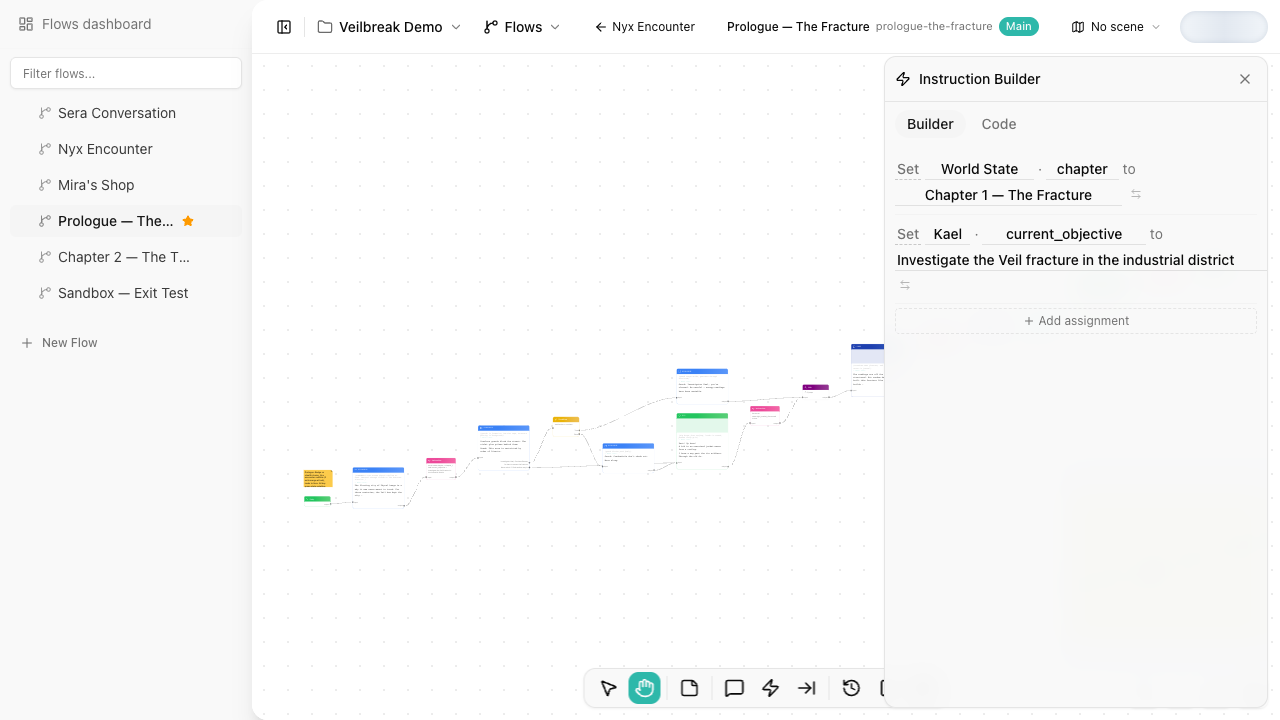
Instruction nodes write to variables when the flow reaches them. They are how a flow changes game state: giving items, setting quest flags, updating relationship values, clearing temporary notes, or copying one variable into another.
For Builder mode and Code mode, operations, and assignment syntax, see the Instruction Editor.
When to use an Instruction node
Use a dedicated Instruction node when:
- The state change is important enough to see in the flow structure.
- Several values change together.
- The update should happen regardless of which dialogue response the player chose.
- You want the change to be easy to inspect while debugging the flow.
Use inline response instructions for simple response-specific effects, such as setting a flag when a player selects one option.
Flow behavior
Instruction nodes are automatic. Playback and Debug Mode do not stop on them as player choices; they execute the assignments and continue through the next connection.
Keep instruction nodes close to the narrative beat they affect. If a variable update unlocks a later branch, placing the instruction before the branch makes the flow easier to read and debug.
Debugging instructions
The debugger records variable changes caused by Instruction nodes. When testing a flow, step through the instruction and inspect the variable panel to confirm that the assignment produced the expected value.