

Narrative Design
Condition Nodes
Branch a flow by evaluating variables with boolean or switch outputs.
Condition nodes read variables and choose which path the flow should follow. Use them when branching logic belongs to the flow structure rather than to one specific dialogue response.
For Builder mode and Code mode, see the Condition Editor.
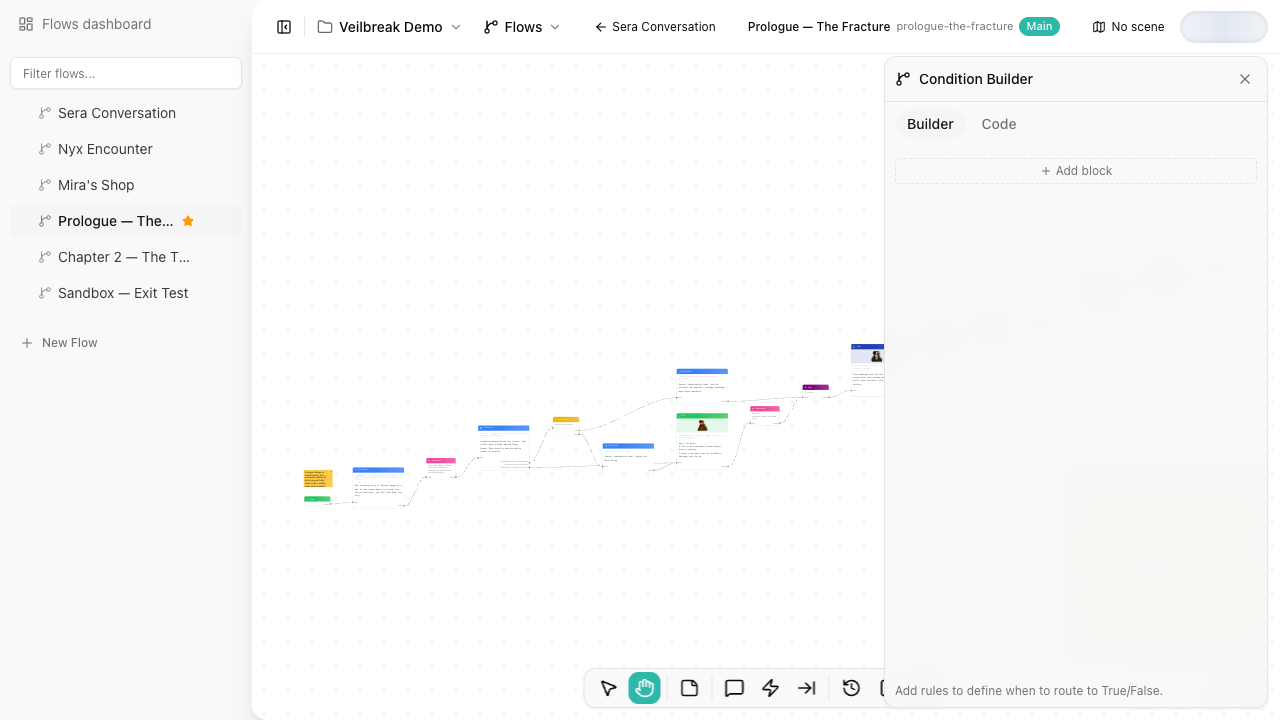
Output modes
| Mode | Use it when |
|---|---|
| Boolean | You need a simple True/False branch. |
| Switch | You need multiple labeled outputs and want the first matching condition to win. |
Boolean mode gives the node two outputs: True and False. The flow continues through the True output when the condition passes, and through False when it does not.
Switch mode turns each condition block into an output branch. Storyarn evaluates the blocks in order and follows the first one that passes. Use it for class, faction, reputation, quest stage, relationship tier, or any other decision with more than two outcomes.
Inline condition or node?
Dialogue responses can have inline conditions. Use an inline condition when it only controls whether that response appears.
Use a Condition node when:
- The branch is part of the visible flow structure.
- Several paths share the same decision.
- You need switch outputs.
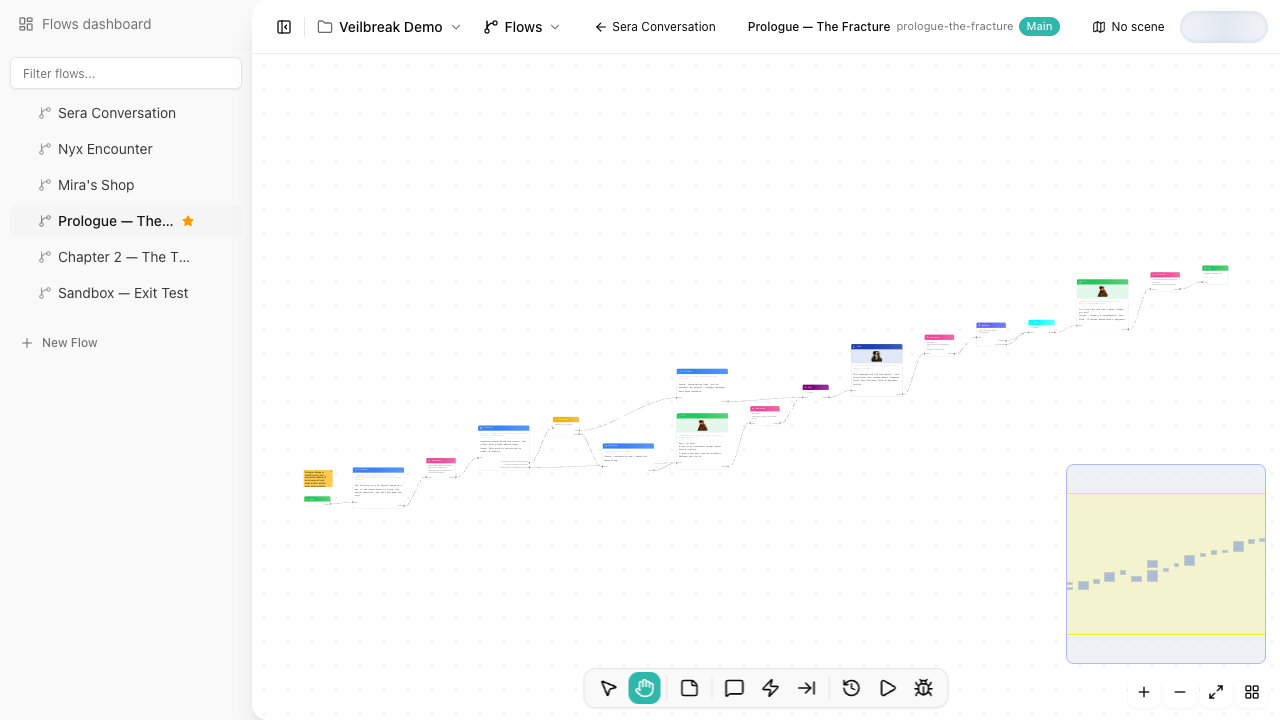
- You want the logic to be easy to debug from the canvas.
Debugging condition nodes
Debug Mode shows which branch a Condition node takes and records per-rule details: which variable was checked, the expected value, the actual value, and whether the rule passed.
When a branch behaves unexpectedly, step through the node in Debug Mode and compare the condition details with the current variable panel.